
Take Baker Boyer with you wherever you go. Our mobile app puts your finances at your fingertips with secure access to your accounts, mobile check deposit, bill pay, and more.


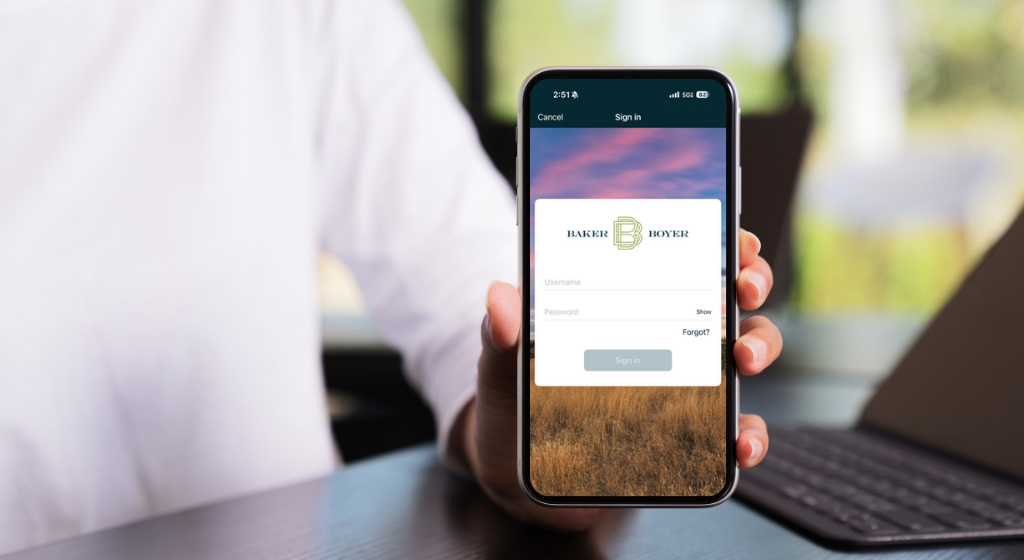
To get started using the Baker Boyer Mobile App, you'll first need to enroll in online banking by giving us a call at (509) 525-2000, visiting your local branch, or sending us a message in the form below. After enrollment, follow these steps to get started using the Baker Boyer Mobile App.
1. Download the App on either the App Store or Google Play Store.
2. Enter your online banking credentials to log in.
3. For additional security, you will also be asked to create a four-digit code, plus you'll have the option to enable fingerprint or face ID recognition authentication if your device supports these capabilities.
Visit our Frequently Asked Questions to explore online and mobile banking features, access step-by-step guides, and discover helpful tools designed to enhance your banking experience.

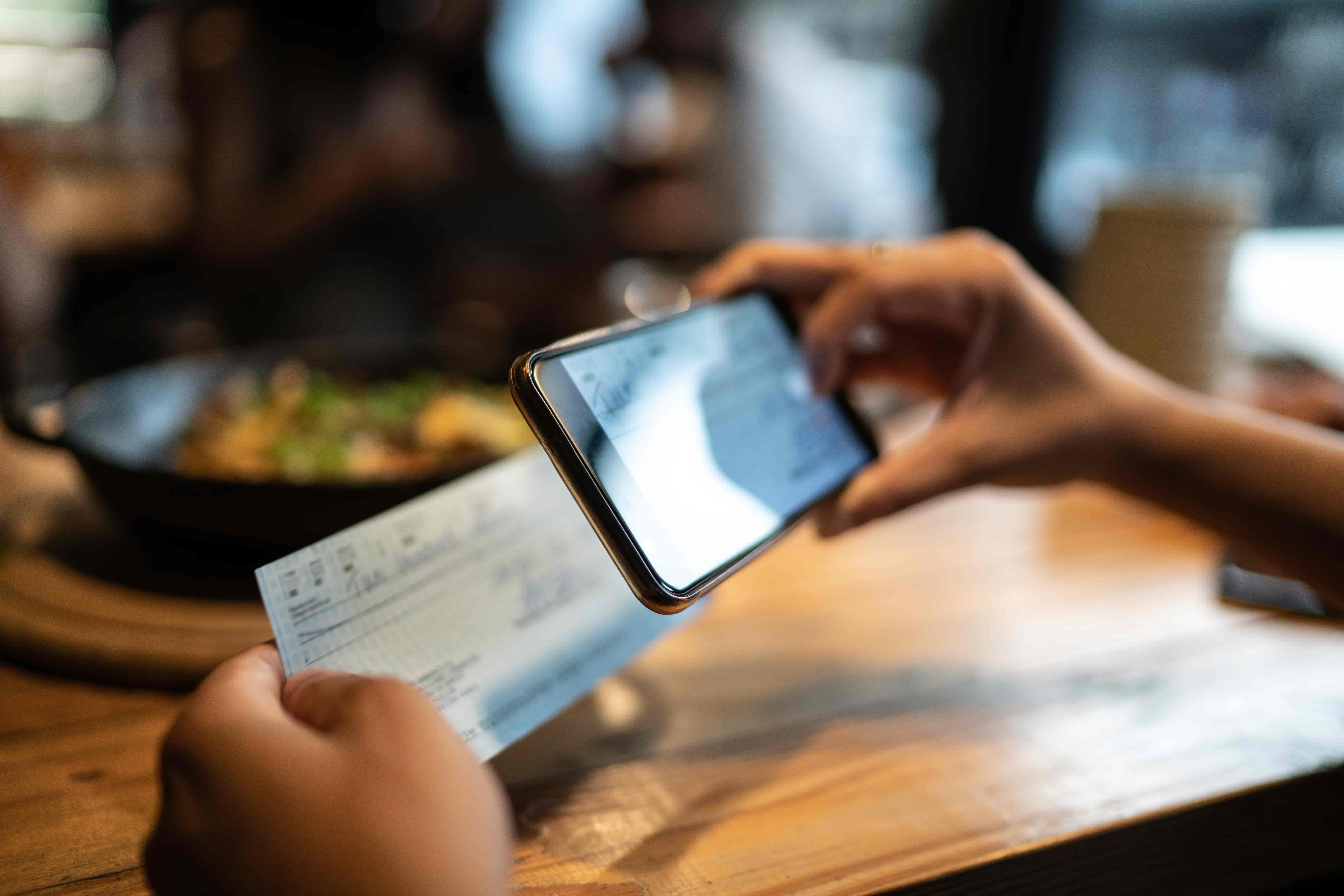
Baker Boyer Mobile Deposit lets you deposit checks anywhere and anytime you like. It's the fastest, easiest way to get checks into your account. Once you've downloaded the Baker Boyer Mobile app, simply launch it on your phone and select "Deposit".
Account Management and Security
- Account alerts
- ACH transaction notifications
- Adding, switching and removing profiles
- Advanced security controls
- Changing your two-factor authentication method
- Debit Card Management
- Online banking alerts instructions
- Set Up Secure Login (Face ID, Touch ID & Fingerprint)
- Username or password reset instructions
Features
- Accessing eStatements
- Accessing online banking
- Adding non-Baker Boyer accounts to your online banking
- Bill pay instructions
- Customizing your dashboard and account display
- Enrolling in eStatements and eNotices
- Finding the bill pay button
- Making a loan payment
- My Financial Health instructional guide
- Rapid Transfer instructional guide
Troubleshooting
Let's Talk
If you're interested in learning more, please fill out the form below:
Apple Pay® is available only to cardholders who are 13 years of age or older. Debit cards issued to cardholders under the age of 13 cannot be added to or used with Apple Pay®, even if the cardholder has an Apple ID through Apple Family Sharing.